Project start: May 2014
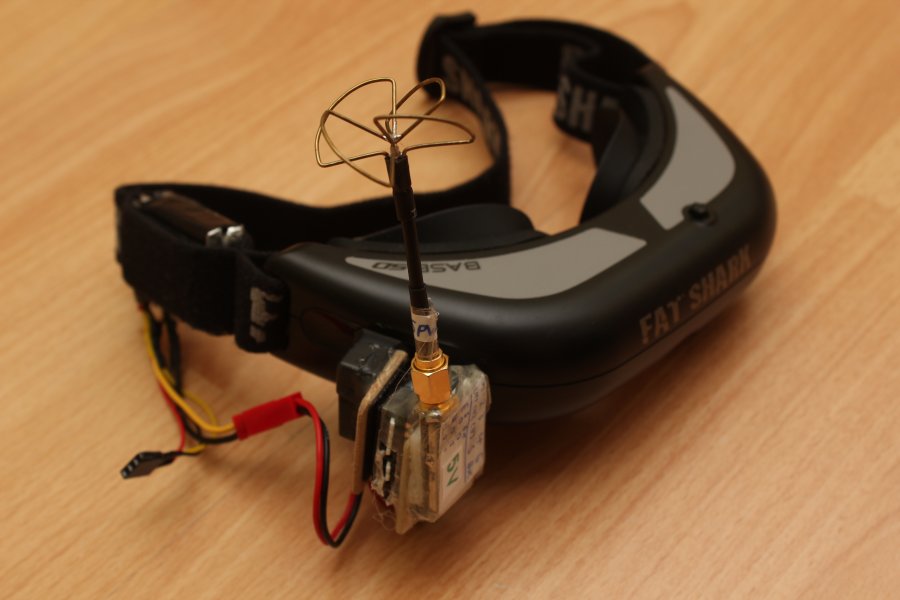
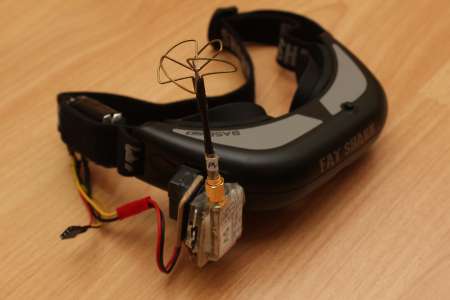
Fatshark Base SD
,
Basically theres not much more to say about the Fatshark Base SD.
I've already talked about it when building the
FPV Case
Rather I'd like to show the modifications I made to my Fatshark.
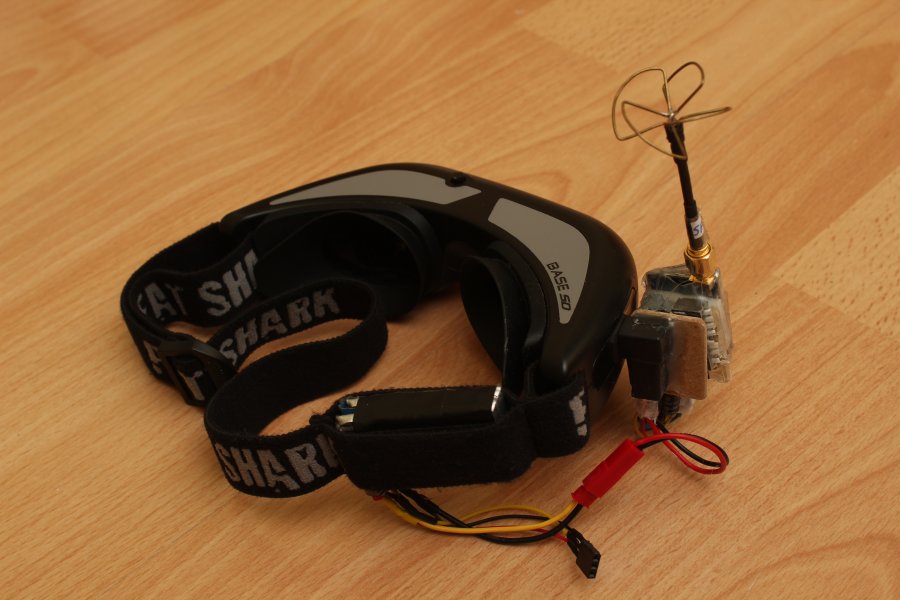
Since the Base SD only gets the video over the supplied cable, I however wanted to have a way to receive it wirelessly.
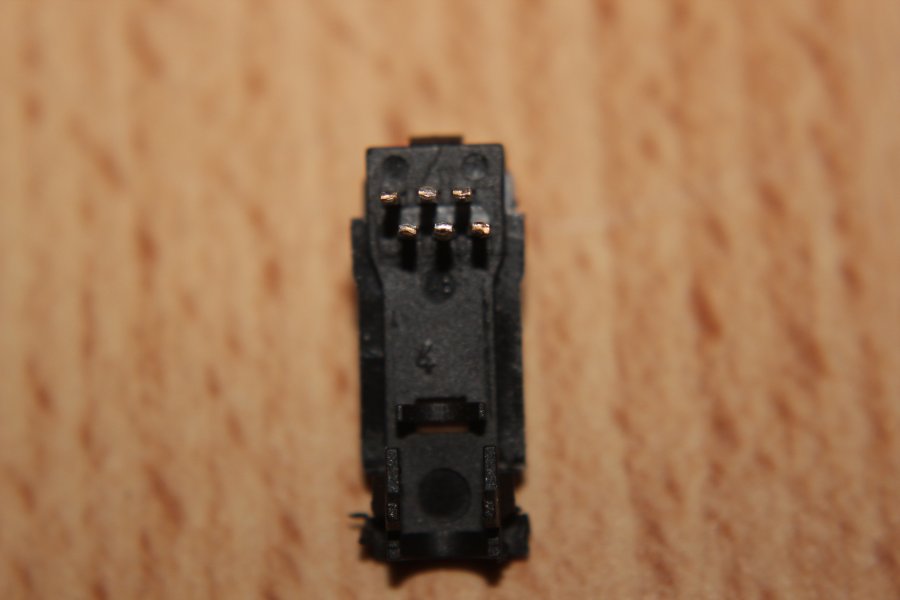
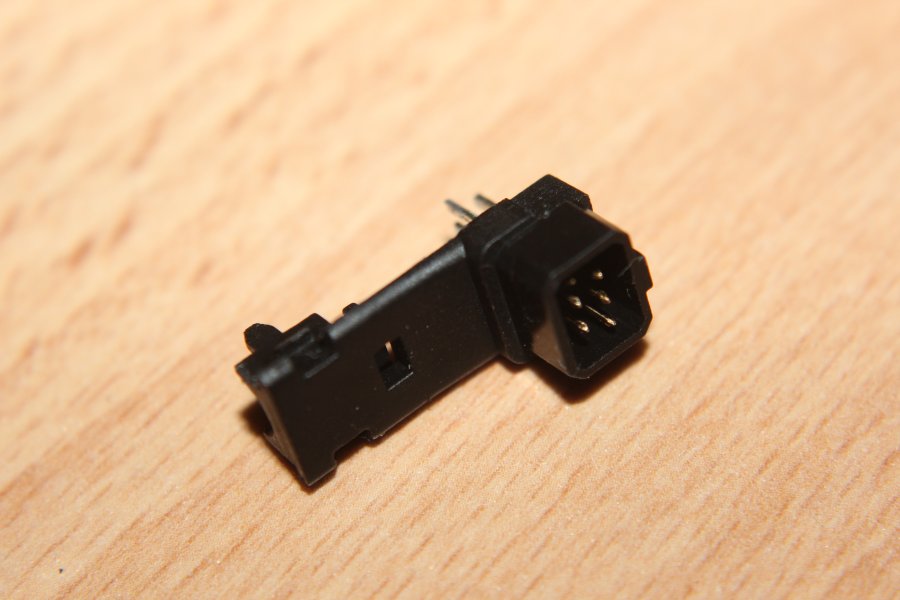
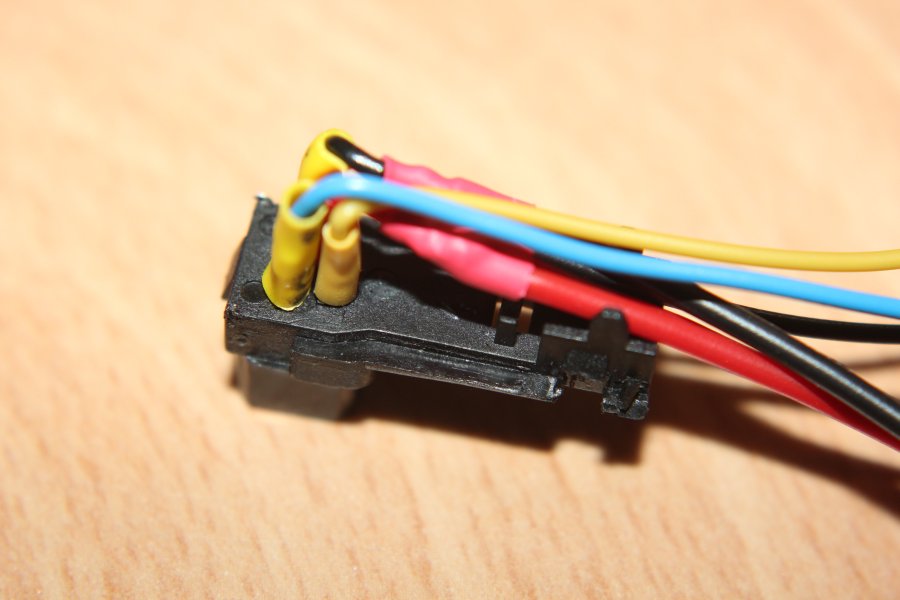
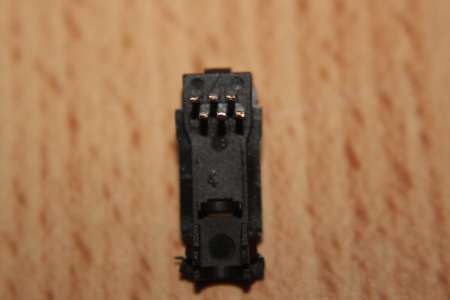
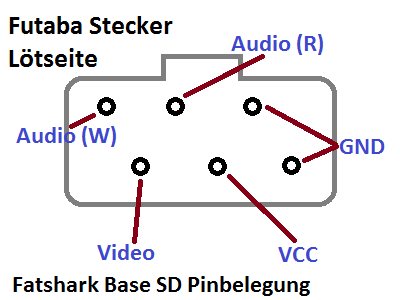
First I had to find the pinout of the Futaba connector.
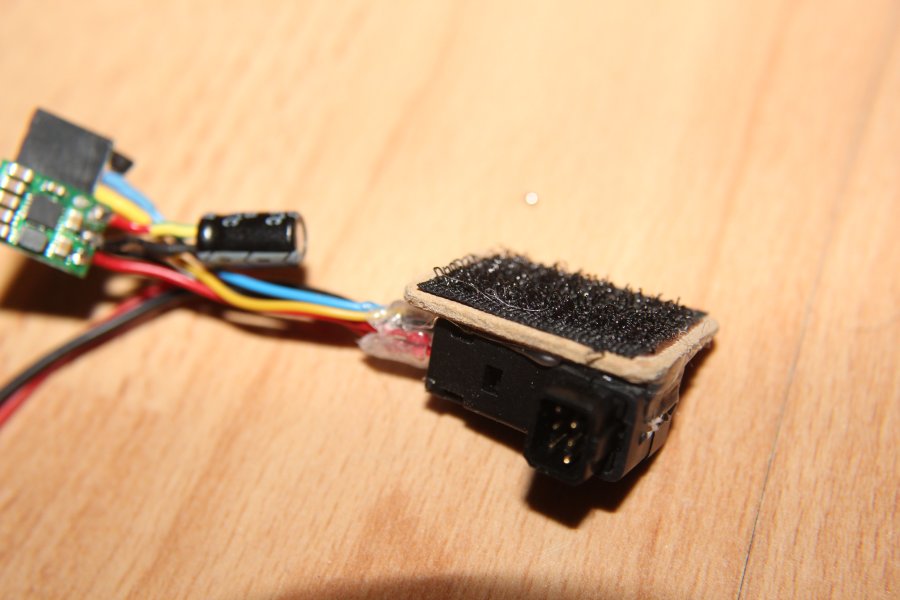
The sketch shows the Futaba connector from the inside (from where you would solder), as it is laying in the left picture.
Audio (white), Audio (red), Video, Ground and VCC (about 7V is preferred).
br>The
Futaba 6Pin Trainer Port Plug I purchased from Hobbyking.
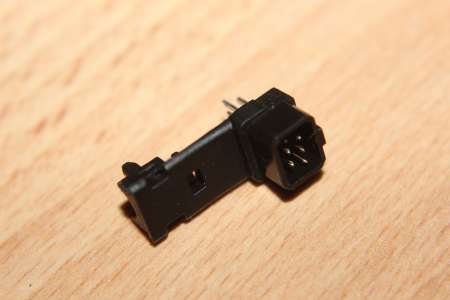
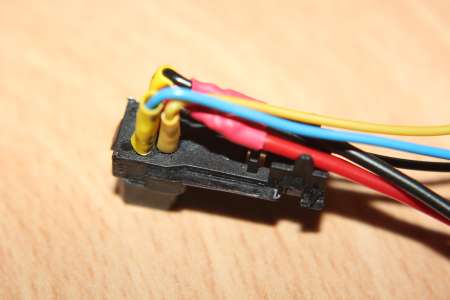
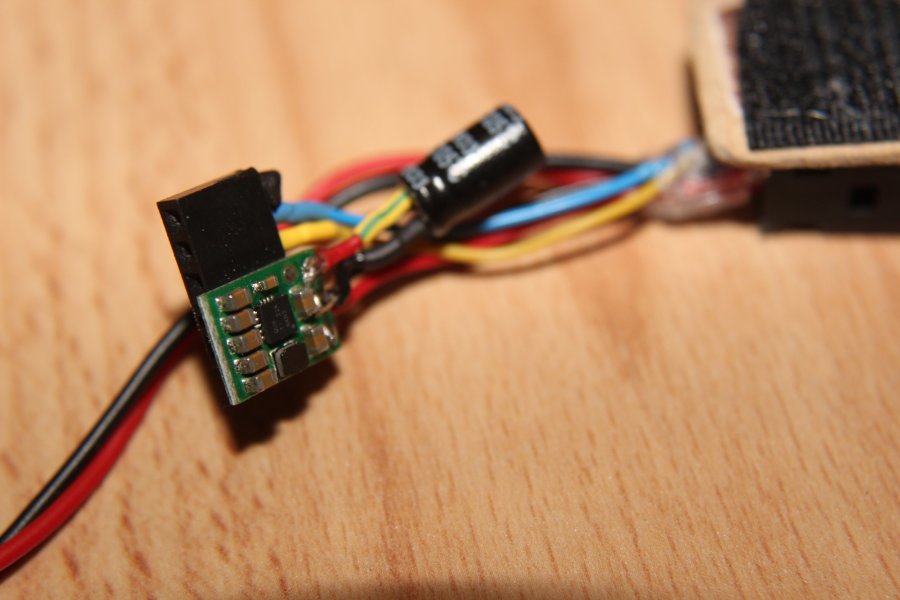
Ground and voltage supply lead to a JST connector, which is plugged into a 2S Lipo.
In addition all wires go to a socket strip, to which a
Foxtech Receiver Module is connected. The module works on 5V, for which a stepdown (the green circuit board) is used.
A wooden plate is attached via velcro to the connector.
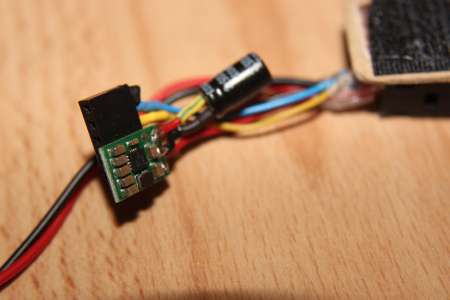
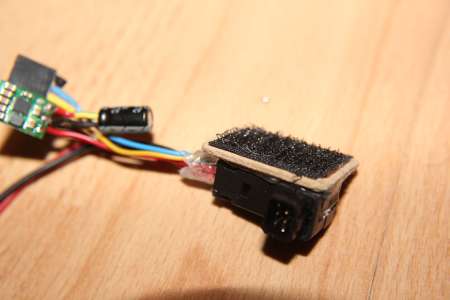
This way the receiver module can be detached easily.
A small LiPo battery (here a 800mAh specimen) fits perfectly inside the loop on the headband.
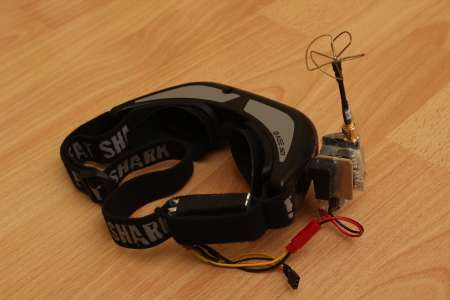
The Receivermodule I used at the time was quite sensitive to 2.4GHz. As soon as you turned on the radio, lines went all over the image.
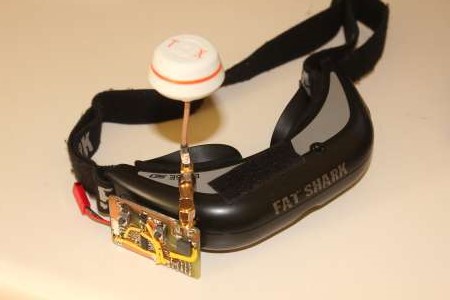
Because the thing I built looked really hacked together, even for me, I gave it a second try.
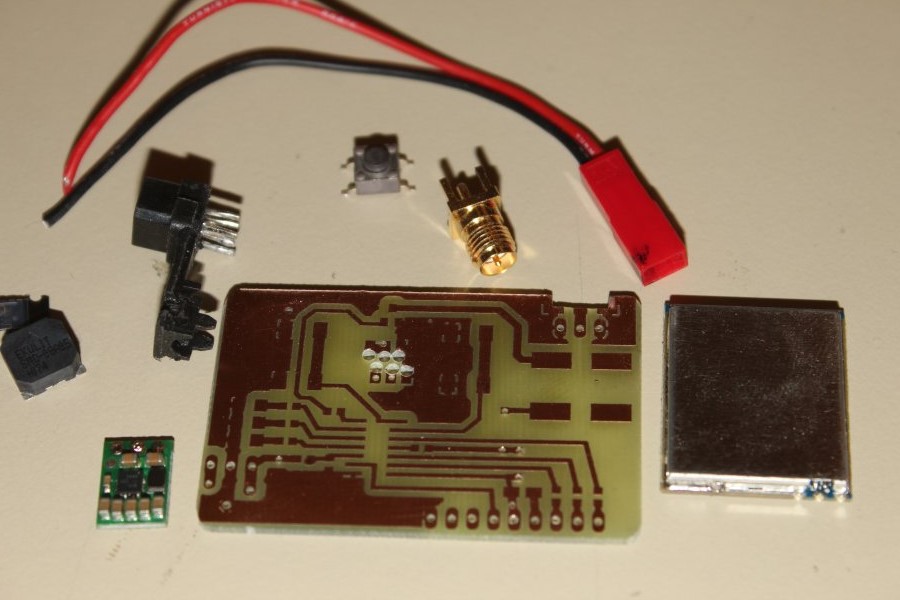
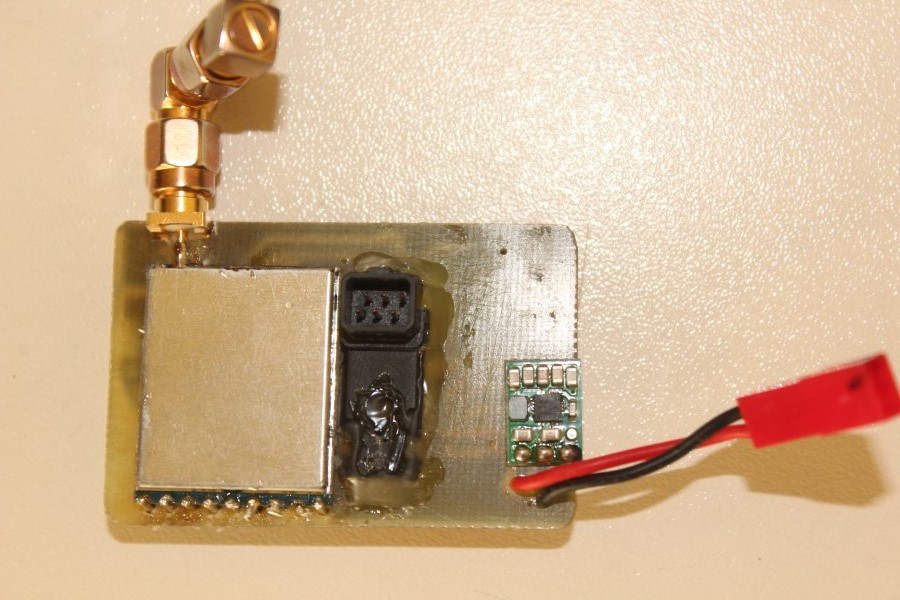
Again I used one of those cheap 5.8GHz receiver modules, but this time I used an ATTiny44 to control it over SPI. So no more dip-switching.
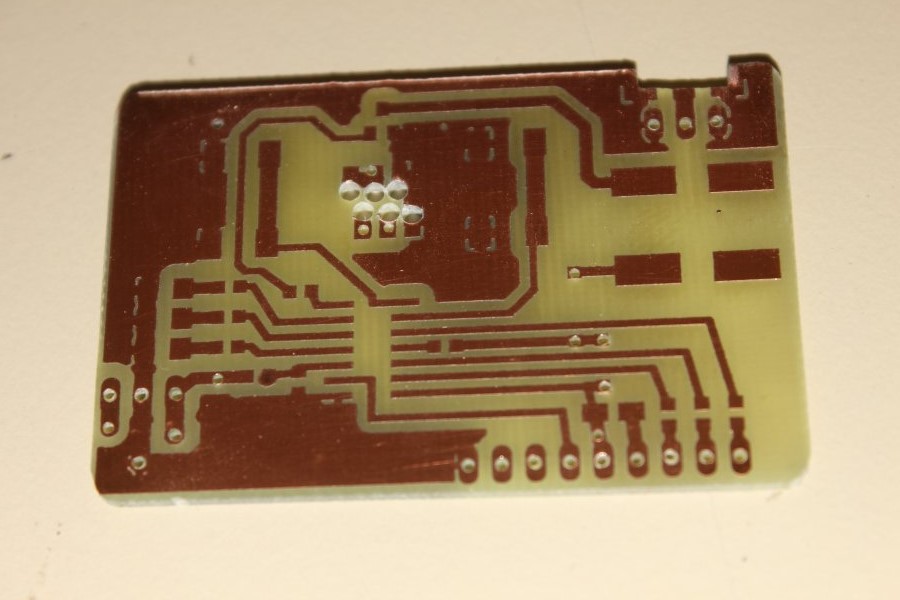
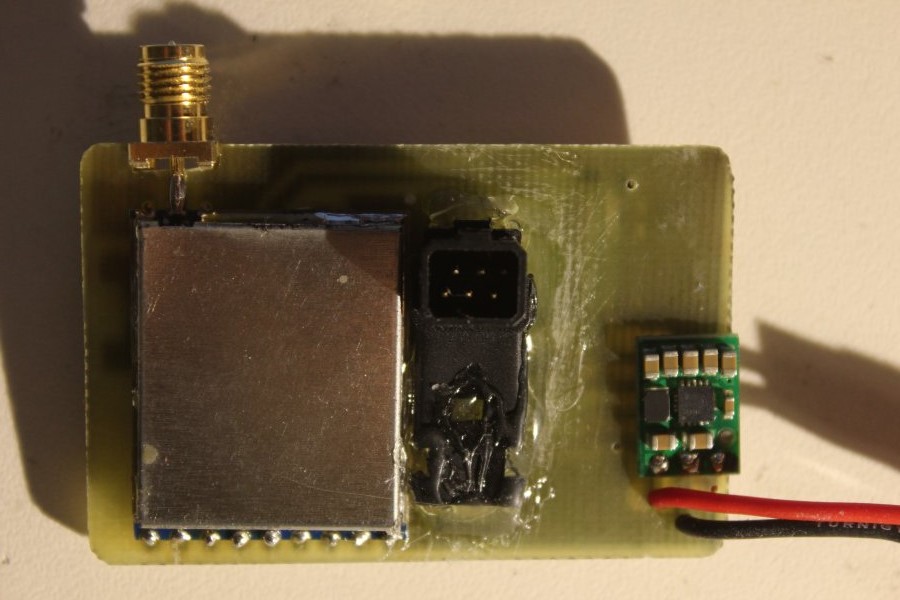
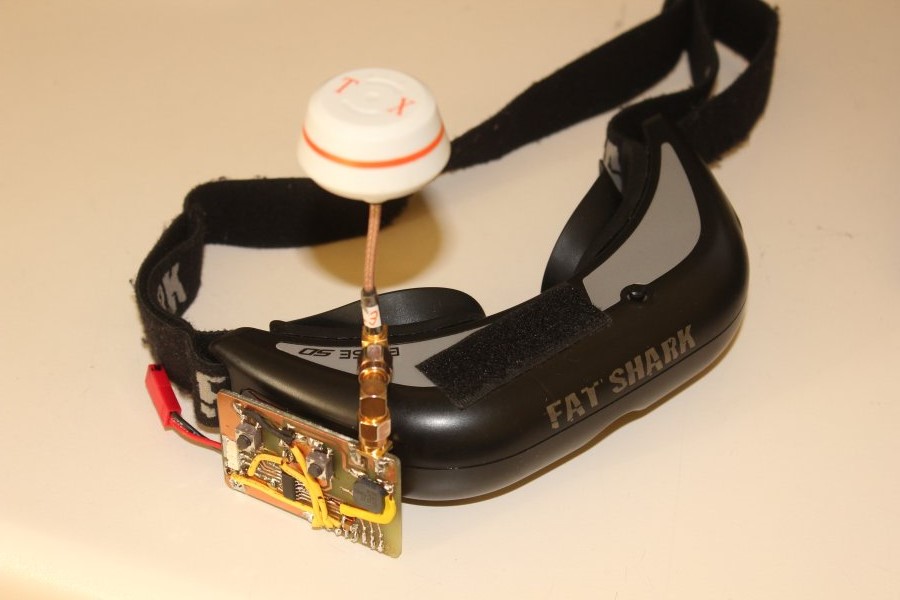
The circuit board is designed to be glued to the Futaba connector and so attached to the video goggle. The 5V for the ATTiny and the Module are generated by a 5V Pololu Stepdown, The fatshark gets its >5V directly from a 2S Lipo.
Also a buzzer will be used.
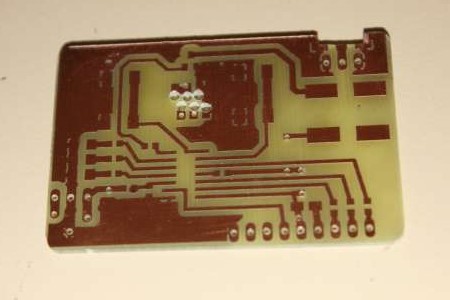
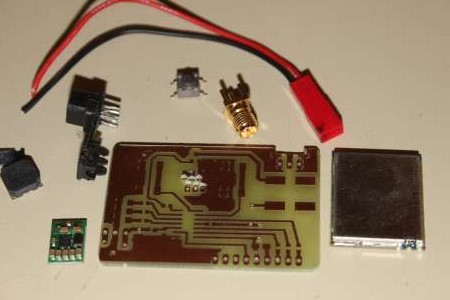
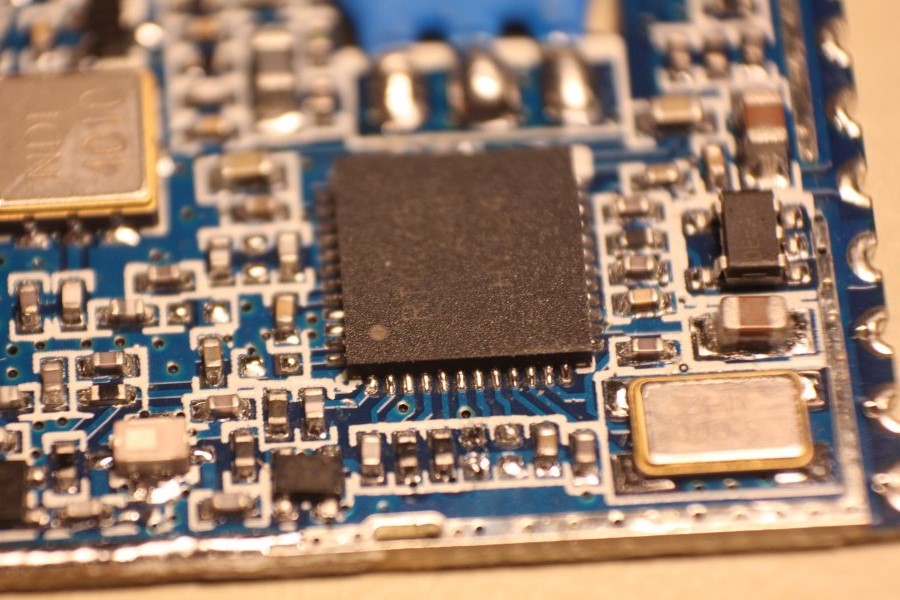
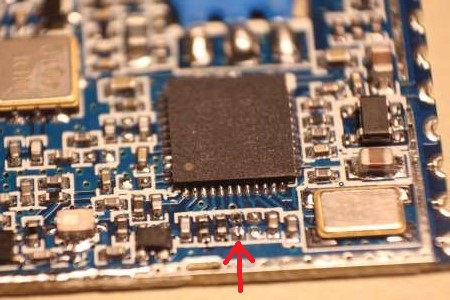
To enable the SPI capability of the module, one has to desolder a small resistor (red arrow), which leaves SPI_EN open and converts the Inputs CH1,CH2 and CH3 into SPI pins.
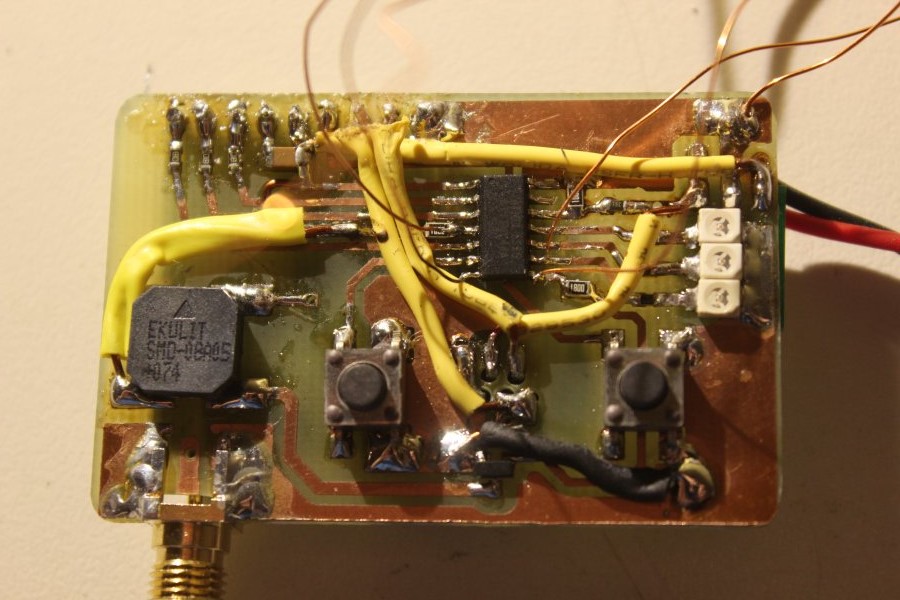
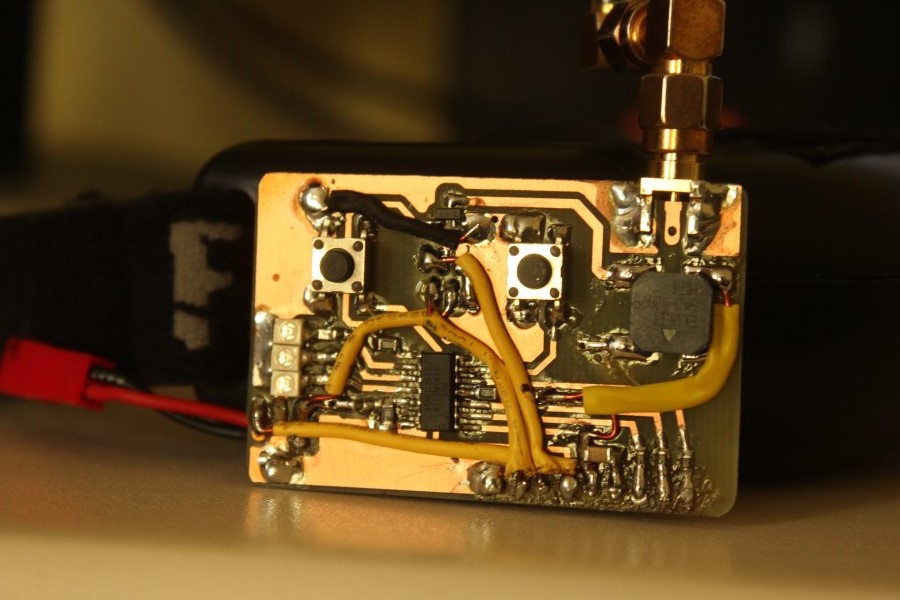
I tried to make the PCB as small as possible, so the SPI programming pads were left out. To burn the code to the ATTiny I had to solder on some wires directly to the chip.
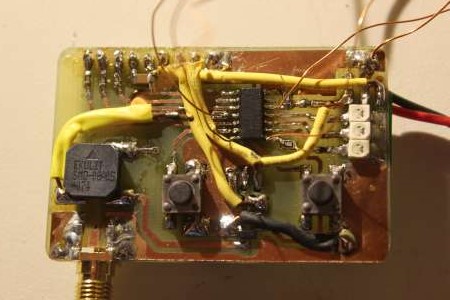
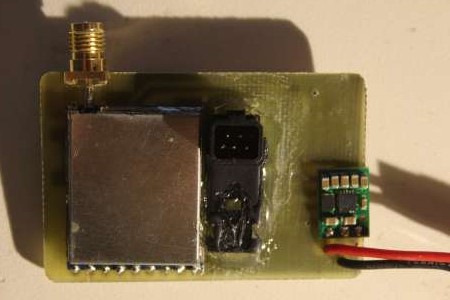
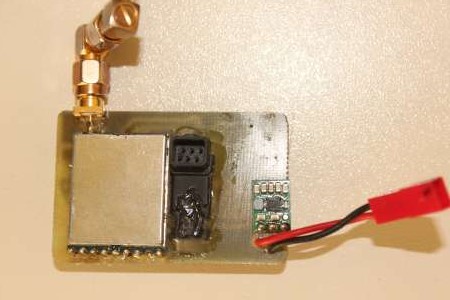
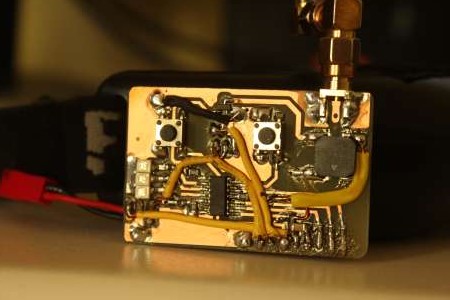
And thats it. After four hours of searching and debugging it finally got working, too.
So instead of flipping dip switches you have two buttons, mode and select. With the mode button, you switch between band or channel selection. The LED's on the left show you the band or channel, depending on the mode you have selected, as a binary number. Band selection only needs two bits (A,B,E and F band), so the MSB LED blinks in band selection mode.
Also on power up and mode switching the buzzer will beep out the channel and/or band number (short beep=0, long beep=1).
By short or long pressing the select button, you can set the band or channel. Again, binary: long long short means channel 6.
If you press both buttons at the same time, the controller will scan through all 32 channels and switch back to the one with highest RSSI.
If the battery gets low the beeper will also warn you. The warning threshold can be set by holding the mode button while connecting power, the applied voltage will be the new threshold. You know the voltage has been written if you hear the buzzer beep out the 16 bit binary integer number of the adc.
Here is the schematic and the board as pdf and eagle files, as well as the sourcecode:
mini5g8receiver_20160126.rar
Sadly the receiver didn't work quite well. As soon as a remote control is in proximity the reception quality degrates a lot.
Most likely this receiver module is bad, but I can't be shure until I test it out. So until then we won't know if theres something else not quite right in the design.
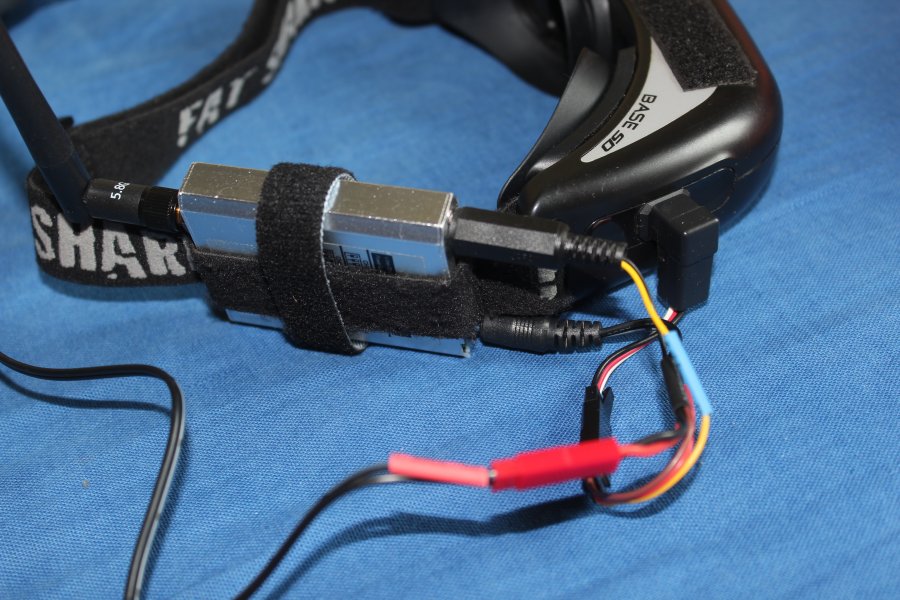
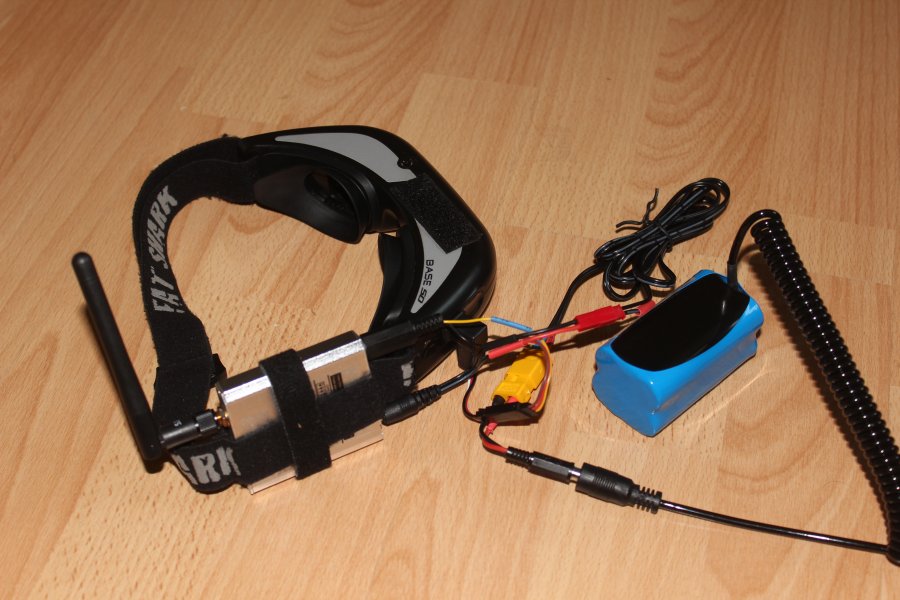
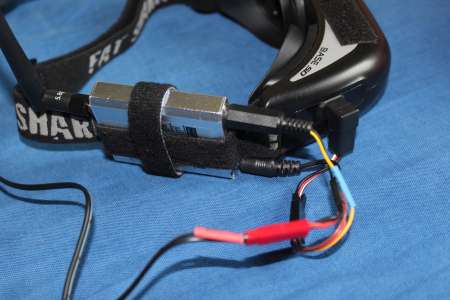
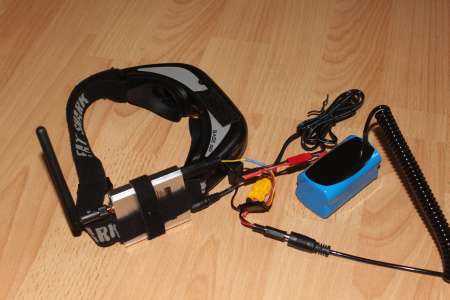
After building the Tiny Whoop, a brushed microquad mainly for flying indoors, a working solution for the portable fatshark base had to be found.
Some RC305 receivers are already in use in my current FPV setup, so I'm just going to attach one of them to my goggles.
For the connection to the fatshark base one needs a "Futaba" connector, from which I had one lying around.
Power for the goggles and the receiver comes from a 3S, or even better 2S LiPo/LiIon Battery at the other end of a long cable.
The rest needs no further explanation, I think.
 FPV Rucksack